
Guide
Tracking
Keep AniList, MyAnimeList and other trackers up to date as you read.
Tracking is part of Bokumi Plus.
Supported services#
AniList, MyAnimeList, MangaUpdates and Kitsu.
Connect a service#
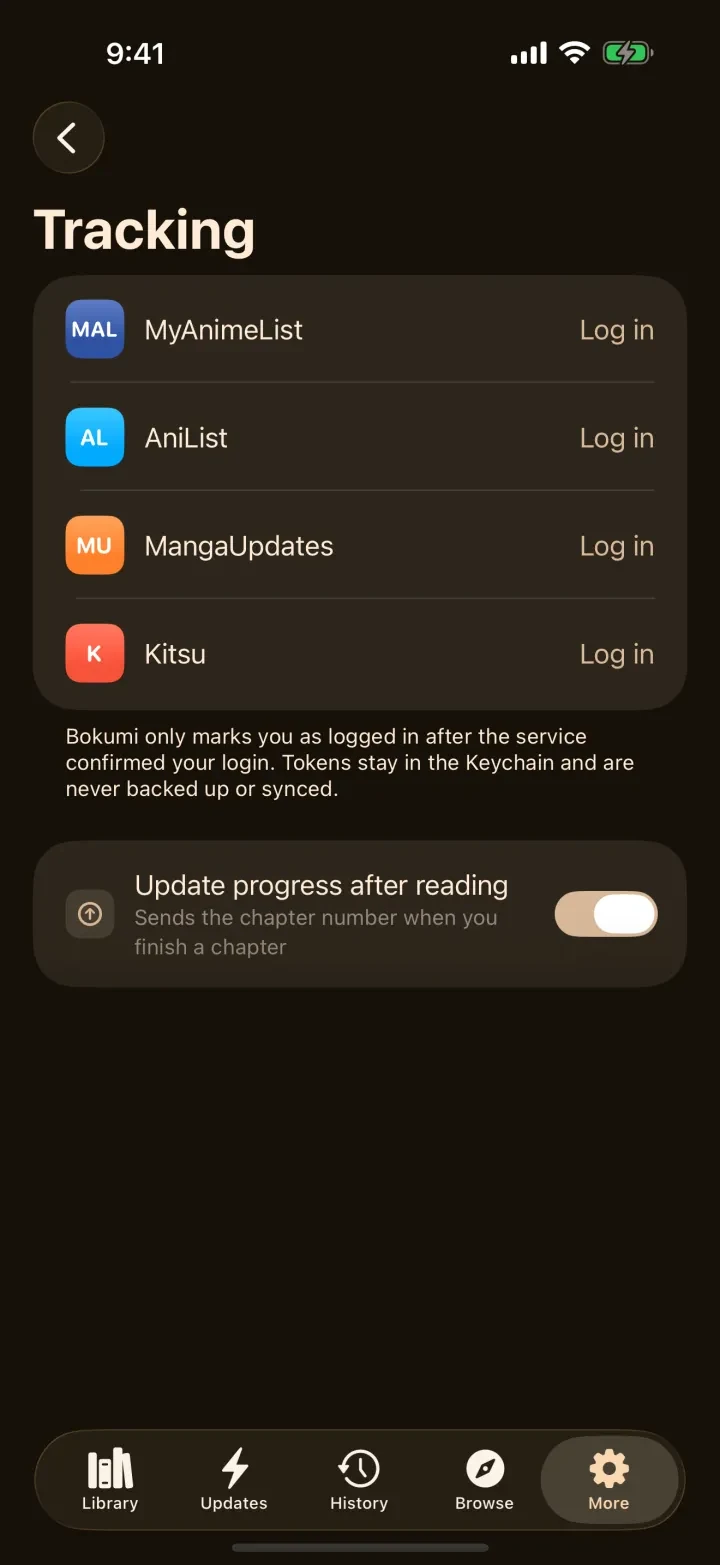
- Open More → Tracking.
- Choose a service and tap Log in. AniList and MyAnimeList open the service's own sign-in page. MangaUpdates and Kitsu ask for your username and password inside Bokumi, which keeps them in the Keychain.
- Return to Bokumi. The service shows as logged in.
Track a series#
On a series page, open the tracking button, search for the series on the service, and link it. Bokumi finds the existing entry or creates it with the status Reading.
Automatic updates#
When you finish a chapter, Bokumi updates every linked tracker whose progress is behind. Turn this off under More → Tracking → Update progress after reading. If an update fails, for instance because you are offline, Bokumi keeps it and retries, and shows a banner meanwhile.
Privacy#
Logins and tokens are stored in the iOS Keychain and are never included in backups or sync. Nothing is sent to a tracker while incognito is on.