Make it yours
42 themes, 11 icons, one cozy shelf.
Two themes and the reading cat are free. Plus opens every theme and ten more icons, for the whole app and the reader. Pick one and watch it change.
Free Bokumi, Stone and the reading cat · Plus everything else
Themes
Pick a theme, the app follows.


Light and dark follow your phone. Each theme tints the whole app, not just the reader.
App icons
Eleven icons, one cat.
From the reading cat in four colorways to a moon, a seal, a hardcover, a speech bubble, a round window and a brush circle. Each comes in Liquid Glass, Dark and Tinted looks.
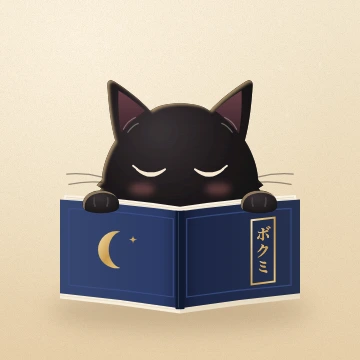 DefaultThe reading cat · Free
The launch animation and the app-switcher cover follow the icon you pick. Change it any time in Appearance → App icon.
Fine-tune
Then make it quieter or louder.
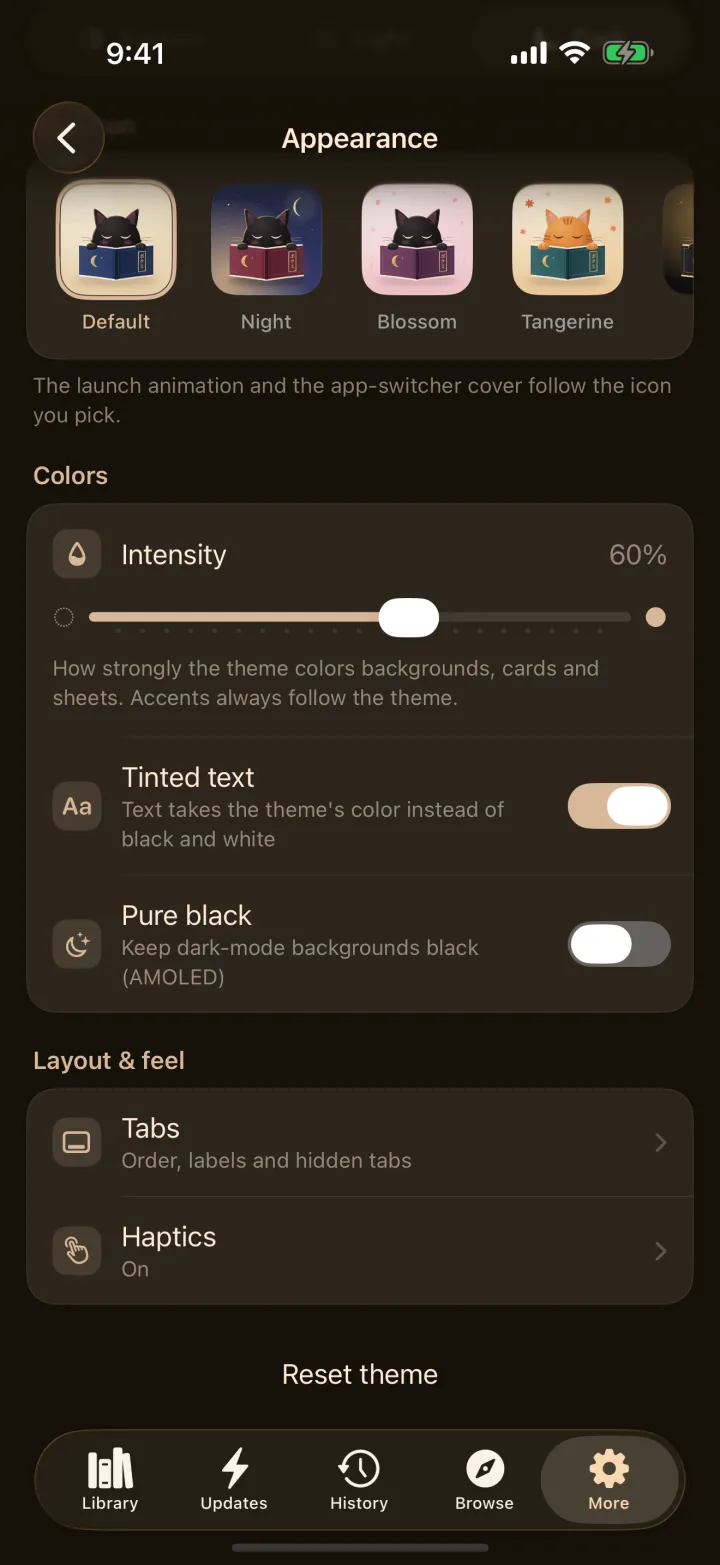
Every theme has a dial. The same screen is where you choose the icon.
- 1IntensityHow strongly the theme colors backgrounds, cards and sheets. Accents always follow the theme.
- 2Tinted textText takes the theme's color instead of black and white.
- 3Pure blackKeep dark-mode backgrounds black for OLED.
- 4Tabs and hapticsOrder, labels and hidden tabs, and how it feels when you tap.
Two themes and the cat are on the house.
Everything else here comes with Bokumi Plus, one purchase now and later. Your library and every reading mode never need it.